Making a post Pinned

- Click the blue ‘New post’ button at the bottom of the Community.
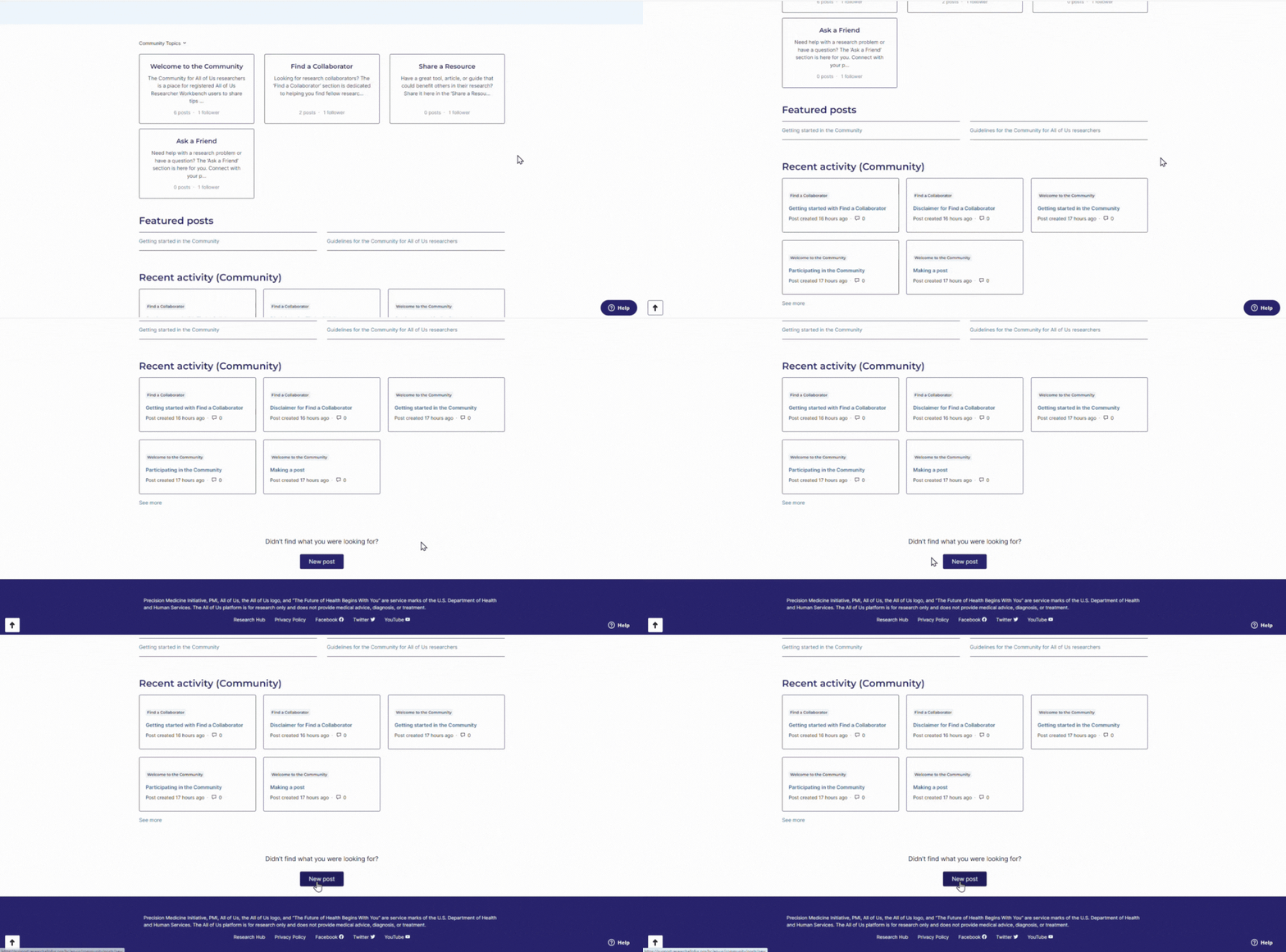
- Write a title and the details for your post.
- Your title should briefly describe the content of your post, i.e., “Picking inclusion and exclusion criteria in the Cohort Builder” or “R package guide for data analysis with R.”
For more guidance on posting in ‘Find a Collaborator,’ read the "Getting started with Find a Collaborator" post.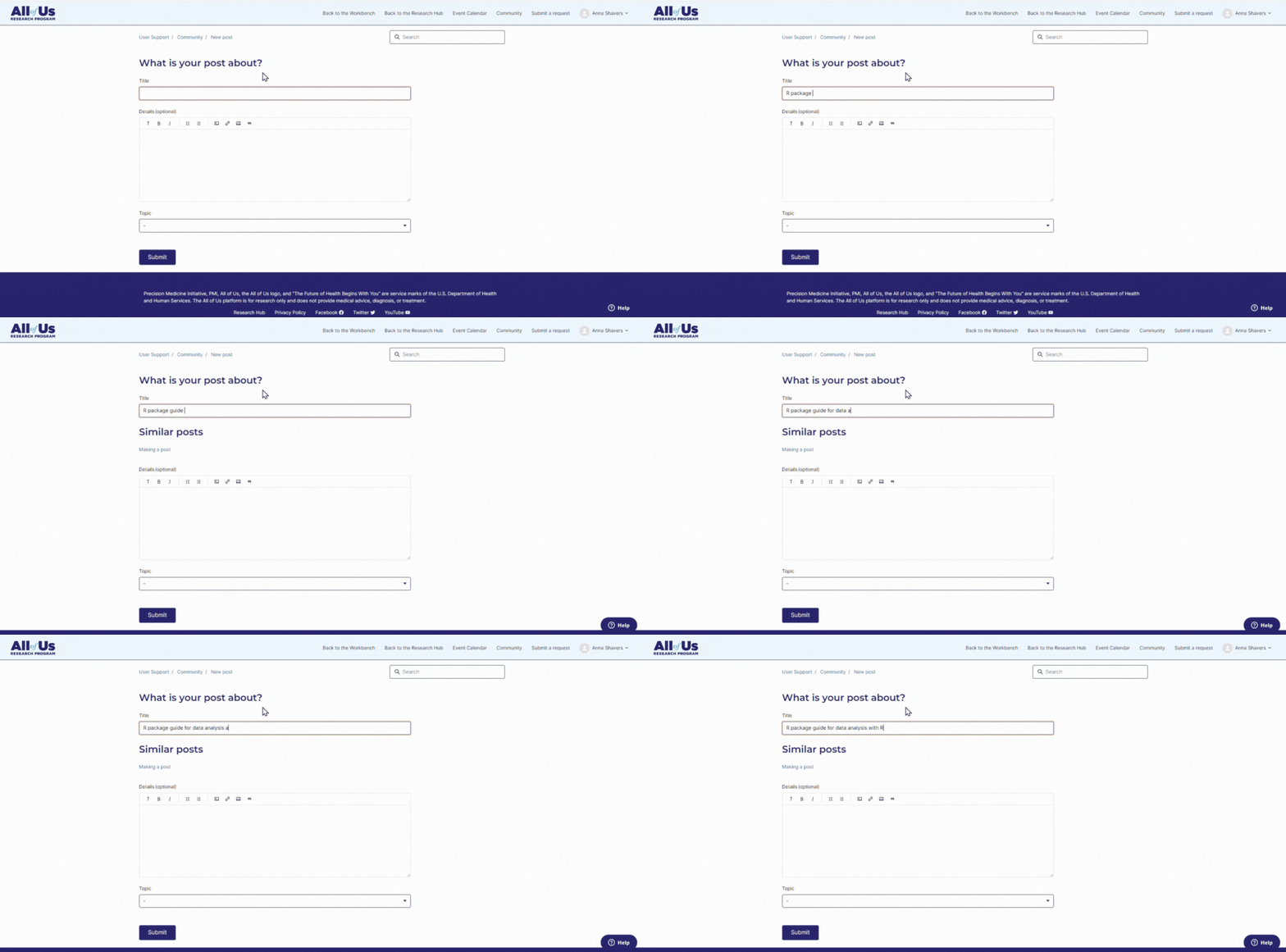
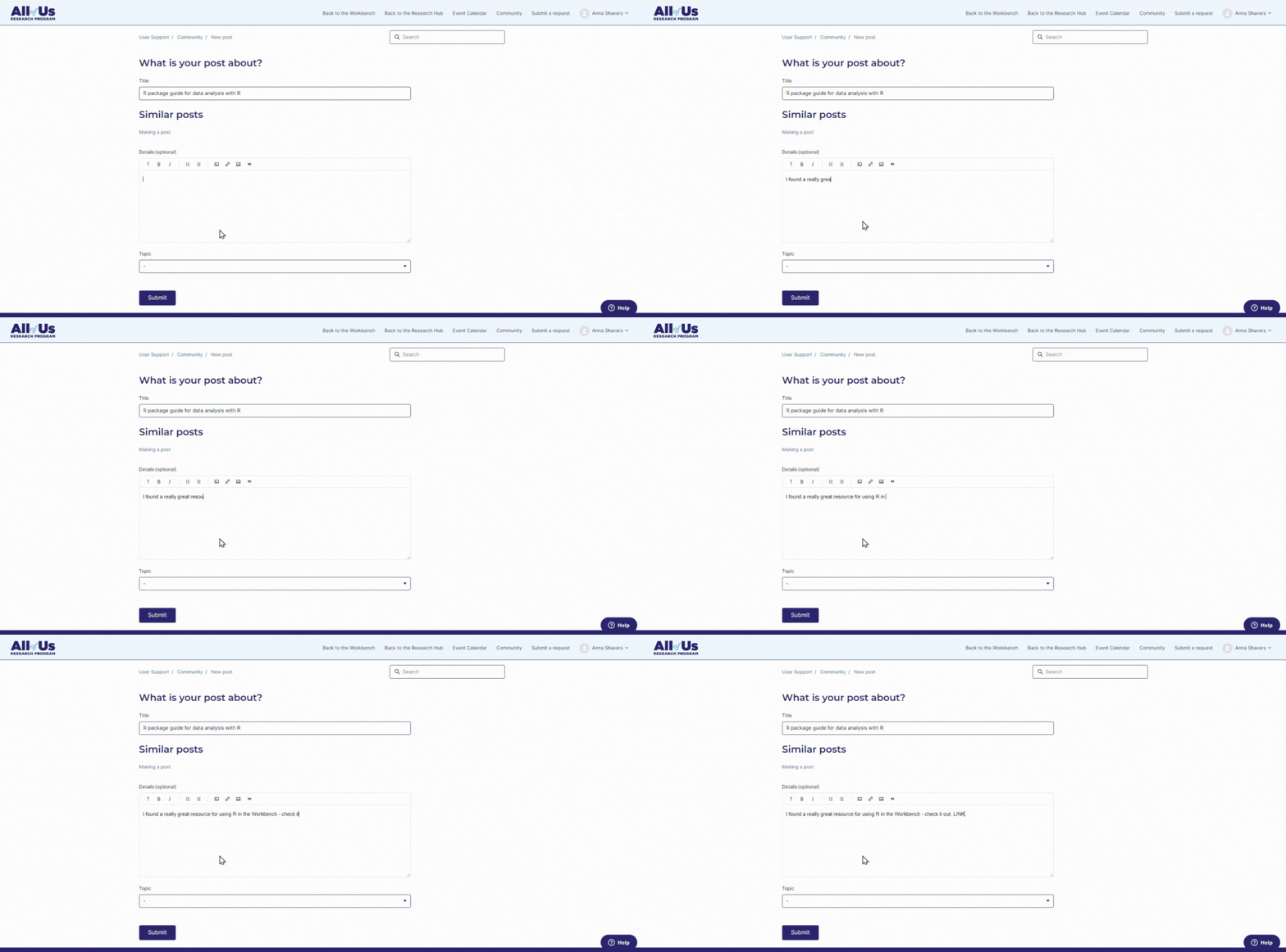
- Share additional information under details including URLs, tips, and more.
- Select the section that best describes your post under ‘Topic.’
- Find a Collaborator: This section is for connecting with researchers to collaborate on projects.
- Share a Resource: This section is for sharing resources for conducting All of Us research.
-
Ask the Community: This section is for asking fellow researchers questions about the All of Us dataset, Researcher Workbench, and more.
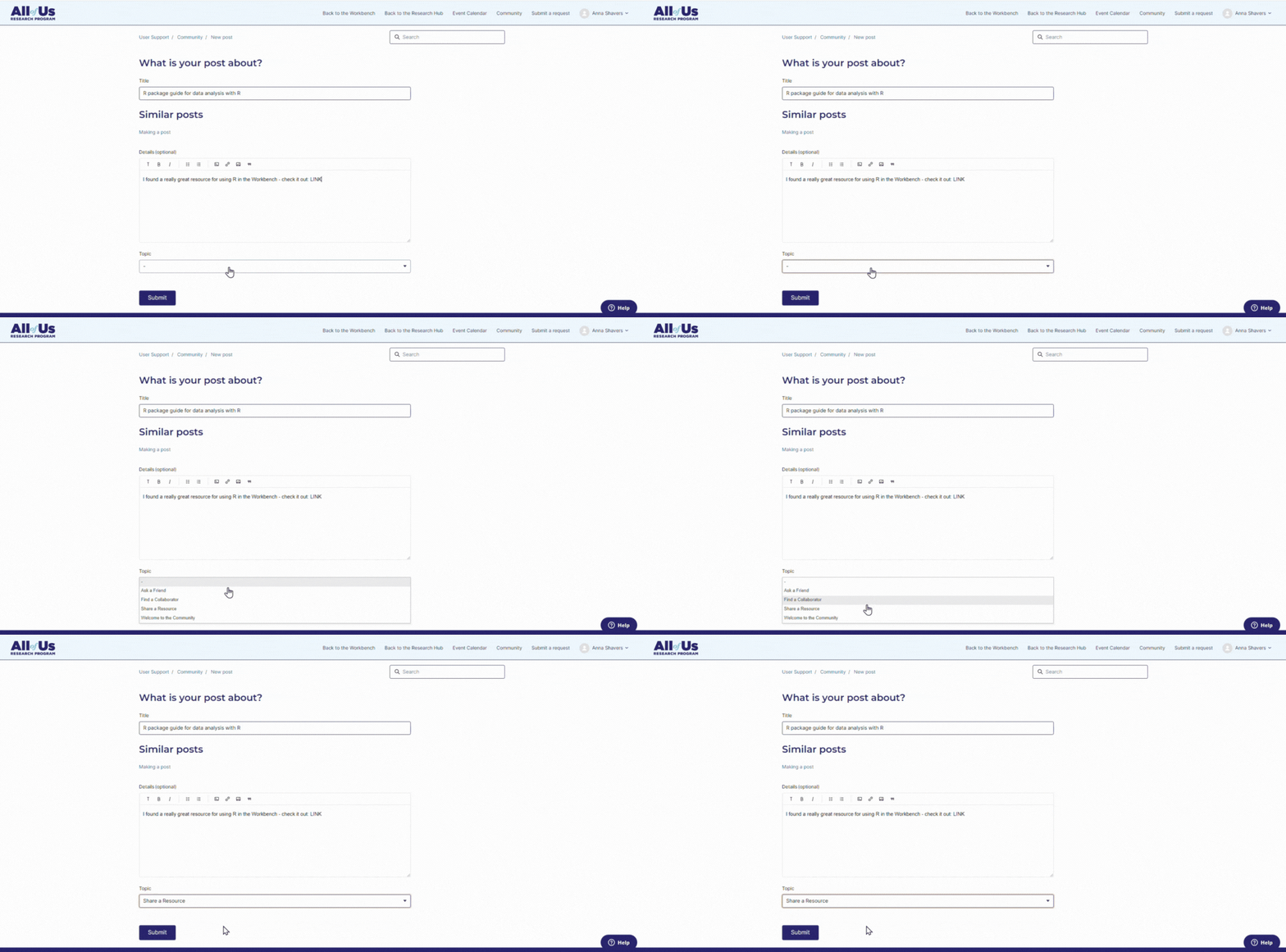
- Click the blue ‘Submit’ button.
Comments
0 comments
Please sign in to leave a comment.